Apex Script setup
PC version. A few quick settings and you are ready to play.
1
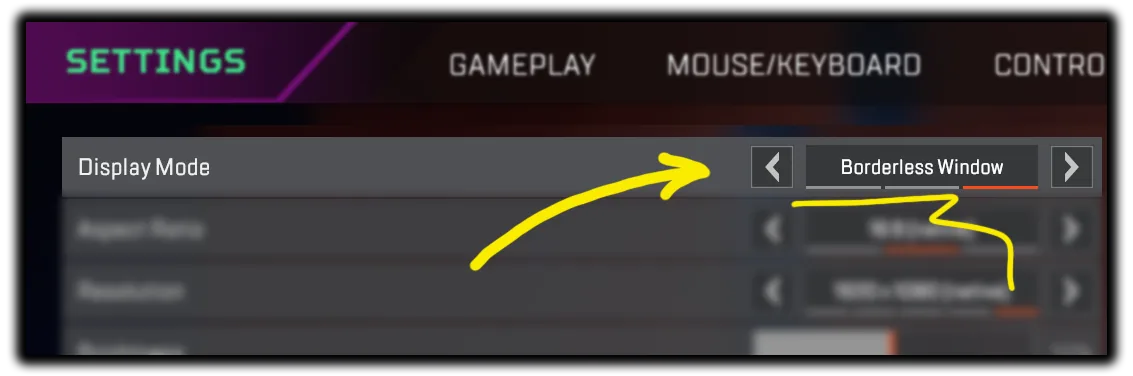
Set your game to Borderless Window
2
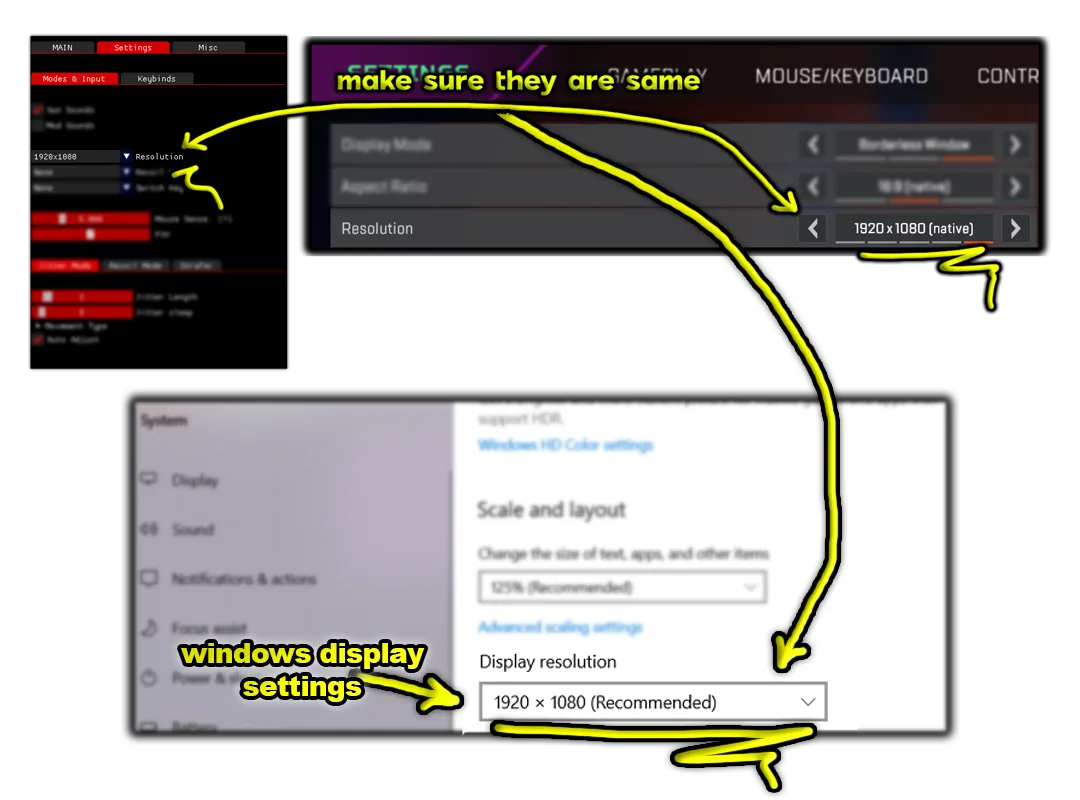
Set your game and script to the same resolution
3
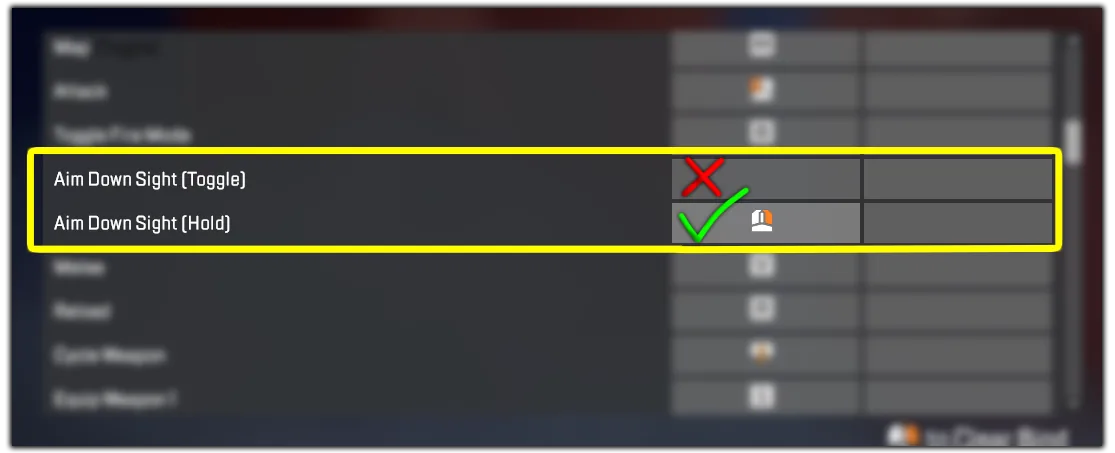
Set your in-game Aim-Down-Sight to HOLD
4
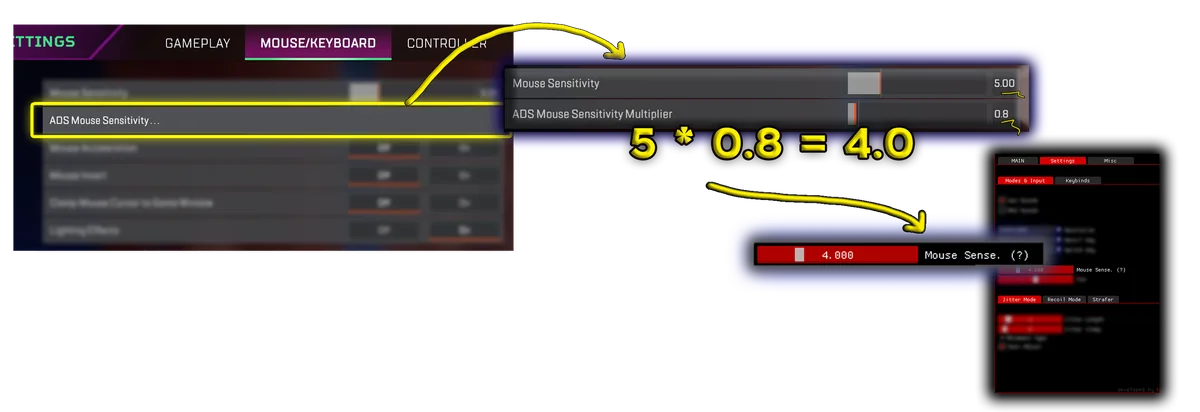
Input your in-game Sensitivity to Script
5
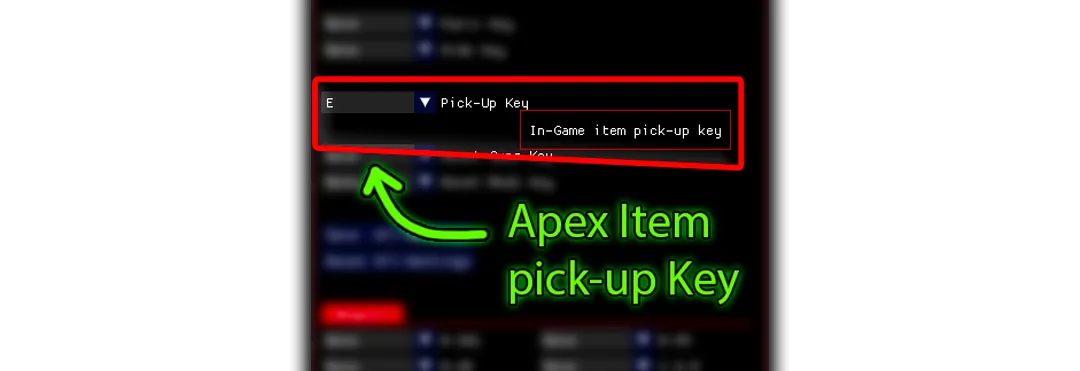
Input your in-game Item Pick-Up Key to Script
If your Script doesn't Auto-Detect guns:
While Switching between your guns use 1 or 2 key instead of Mouse Scroll Script only detects your gun & mods if you use 1/2 keys. Not Mouse Scroll
Note: If you have 2 monitors, Script might pick up the Wrong one.
If your Script doesn't Auto-Detect guns:
Either unplug one monitor that you are not playing the game on
Or switch/change monitor order from windows setting.
Note: If the application gives this error:
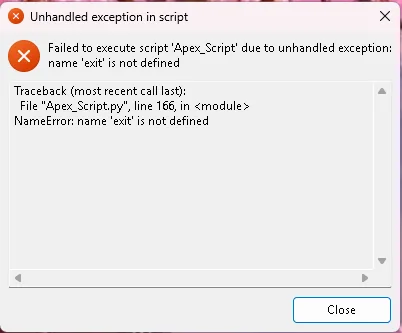
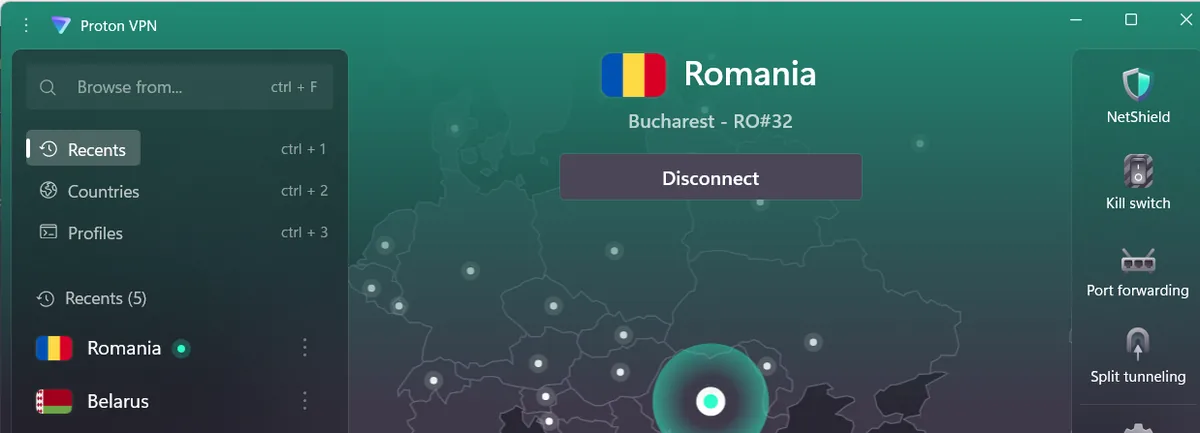
Try using a VPN
Free working VPN: https://protonvpn.com
Some servers work some doesn't. If it doesn't work: Connect to another country in the VPN. Romania Server works good
Note: If you have FACE-IT Anti-Cheat or Valorant Vanguard installed, uninstall them they will prevent the application from working properly.
If you need help with anything, We would Love to help you out Just Join our Discord Server and open a Support Ticket.