Console setup
Apex Script and Apex AI on PS5, PS4 and Xbox with a Cronus Zen.
How to Setup Apex-Script & Apex AI on Console
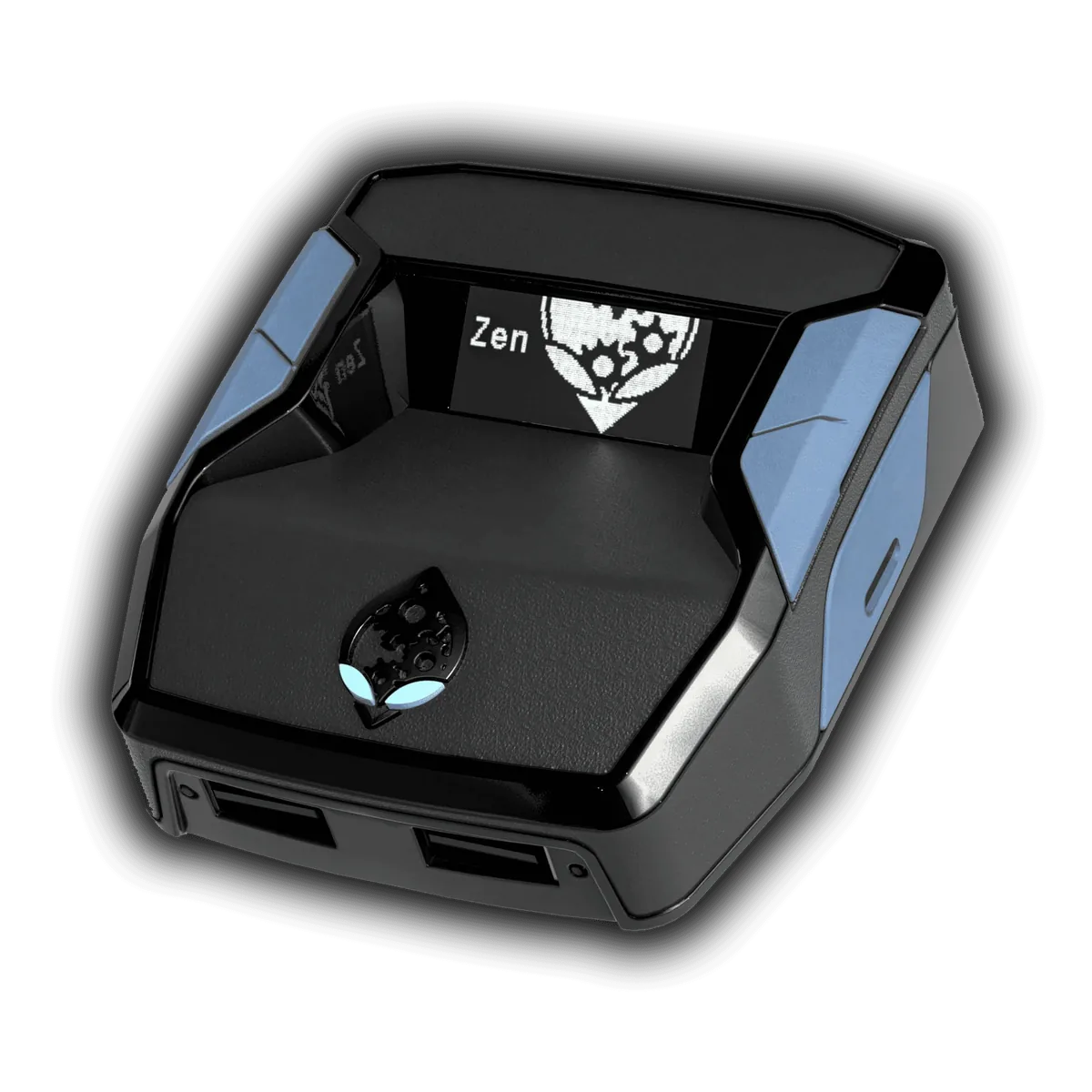
To use the Zen on PS5 you need to do a bypass first
Ensure you’re on the latest firmware.
Connect a standard controller to the left USB port.
On the PS5 go to Settings → Accessories → General and disable accessories (go there with the cursor, dont press x)
As soon as you connect the Zen to the PlayStation, hold the right D-pad for 10 seconds. If done correctly, the Party or News screen will pop up. (There must be no script running while you do these steps.)
PS5 Video Bypass Tutorial Video
Video Tutorial 1 How to load the script into a slot
Video Tutorial 2 Buttons
Video Tutorial 3 WEAPONS MENU
Video Tutorial 4 MENU MODS: Rapid Fire and Aim Assist
Video Tutorial 5 MENU MODS: Press Down, Press L3 and Press Left
Video Tutorial 6 Shot mods
Video Tutorial 7 Legends
Video Tutorial 8 2 TOUCH mod
The 2 TOUCH mod is used to select weapons, barrels and optics without having to enter the weapons menu. Simply by choosing 2 buttons of your choice. I Recommend: Assault: reload + up arrow Smg: reload + down arrow Optics: reload + right arrow Barrel: reload + left arrow Reset: reload + touchpad
Video Tutorial 9 SENSITIVITY
You can use any normal ( recommended ) or advanced sens. From season 17 its important to turn on vibration in game and put it on default. Renamed the mod: from "alc sens" to "Sensitivity" "off" to "normal" "on" to "advanced" 0.58 Example 1.28 IMPORTANT
Video Tutorial 10 Settings Mod
Video Tutorial 11 Auto Detect mod
Auto detect mod can works only on PS5 with controller ps5. S23: we add Auto detect: normal or always. Normal when u have default on display, always works also when u have a weapons selected. S25: changed the names of: Detect weapon -----> Auto detect Ai weapons -----> Auto Resync
Summary:
In game:
Deadzone L2 R2 = none
adaptive triggers = on
Vibration = default
On zen:
Game Rumble on
Auto Resync ps5
Auto detect always
If you need help with anything, We would Love to help you out Just Join our Discord Server and open a Support Ticket.